Python Basics
Start with output, variables and types, strings, decisions with if, and loops.
A friendly place to learn Python
Learn Python one idea at a time. Follow guided courses, try each example in the browser editor, and build confidence by changing the code and seeing what happens.
Learn at your own pace
Choose a path that matches what you want to learn. Each course includes explanations, examples, practice tasks, and progress saved in your browser. Open the editor and select the Courses icon to continue with the original lessons.
Start with output, variables and types, strings, decisions with if, and loops.
Practice lists, dictionaries, functions, list comprehensions, and handling errors.
Explore classes, inheritance, standard-library modules, JSON, generators, and lambdas.
Reinforce foundational lab topics with guided exercises and runnable code.
A preview from the lessons
These examples introduce a few of the ideas covered in the courses. In each one, run the code, change a value, and check whether the result matches your prediction.
A variable stores a value under a name. Text and numbers behave differently: "14" is text, but 14 can be used in arithmetic.
price = 12
quantity = 3
total = price * quantity
print("Total:", total)
Practice: Change the price and quantity. What happens to the total?
Python checks a condition and runs the indented branch that matches. The order of comparisons matters when the conditions overlap.
score = 85
if score >= 50:
    print("Pass")
else:
    print("Try again")
Practice: Try scores of 49 and 50. Notice where the result changes.
A loop repeats an instruction for each value. range(1, 6) stops before 6, so the loop visits 1 through 5.
total = 0
for number in range(1, 6):
    total += number
print(total)  # 15
Practice: Change the range to add the numbers from 1 through 10.
A function names a reusable task. return sends a result back so you can use it in another part of the program.
def area(width, height):
    return width * height

print(area(6, 7))
Practice: Call the function with a different width and height and predict the output.
Learn by doing
Each lesson introduces one idea and shows how Python uses it.
Try the code, change a value, and predict how the output will change.
Use the hint when needed, then compare your result with the expected behavior.
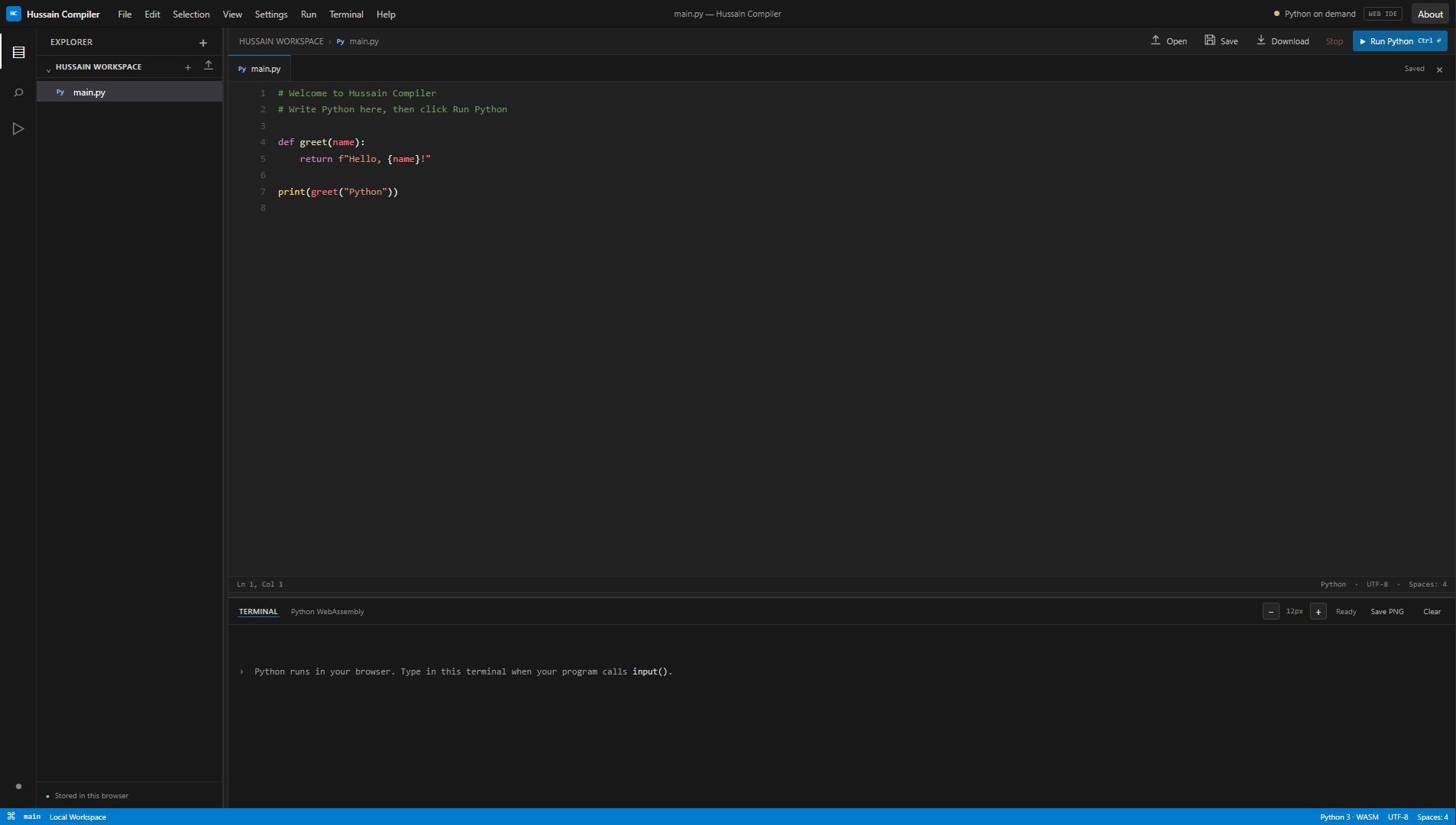
The editor runs Python using Pyodide and WebAssembly. It is designed for learning and short experiments, uses the Python standard library, and does not install third-party packages. Your workspace and course progress are saved in this browser. Download files you want to keep elsewhere. An internet connection is needed to load the editor and Python runtime.
No. The editor loads a Python runtime in your browser. You do need an internet connection to load the runtime and interface resources.
They are saved locally in this browser and are not synchronized to an account. Download any files you want to keep as a separate copy.
No. Package installation is not available, so examples requiring external packages may not work in this editor.
No. It runs Python code in your browser and lets you download source files; it does not create native executables.